
Can I start the timer only after I finish my reps?
Yes. In Reps mode, the work phase waits for you. Tap Next after your last rep to start the break before the next set.
Gym rest timer
Time the break after each set of pull-ups, squats, or lifts. Use the free PrimeTimer rest timer without ads, an account, or a subscription.
Free to download · No ads · No account · No subscription
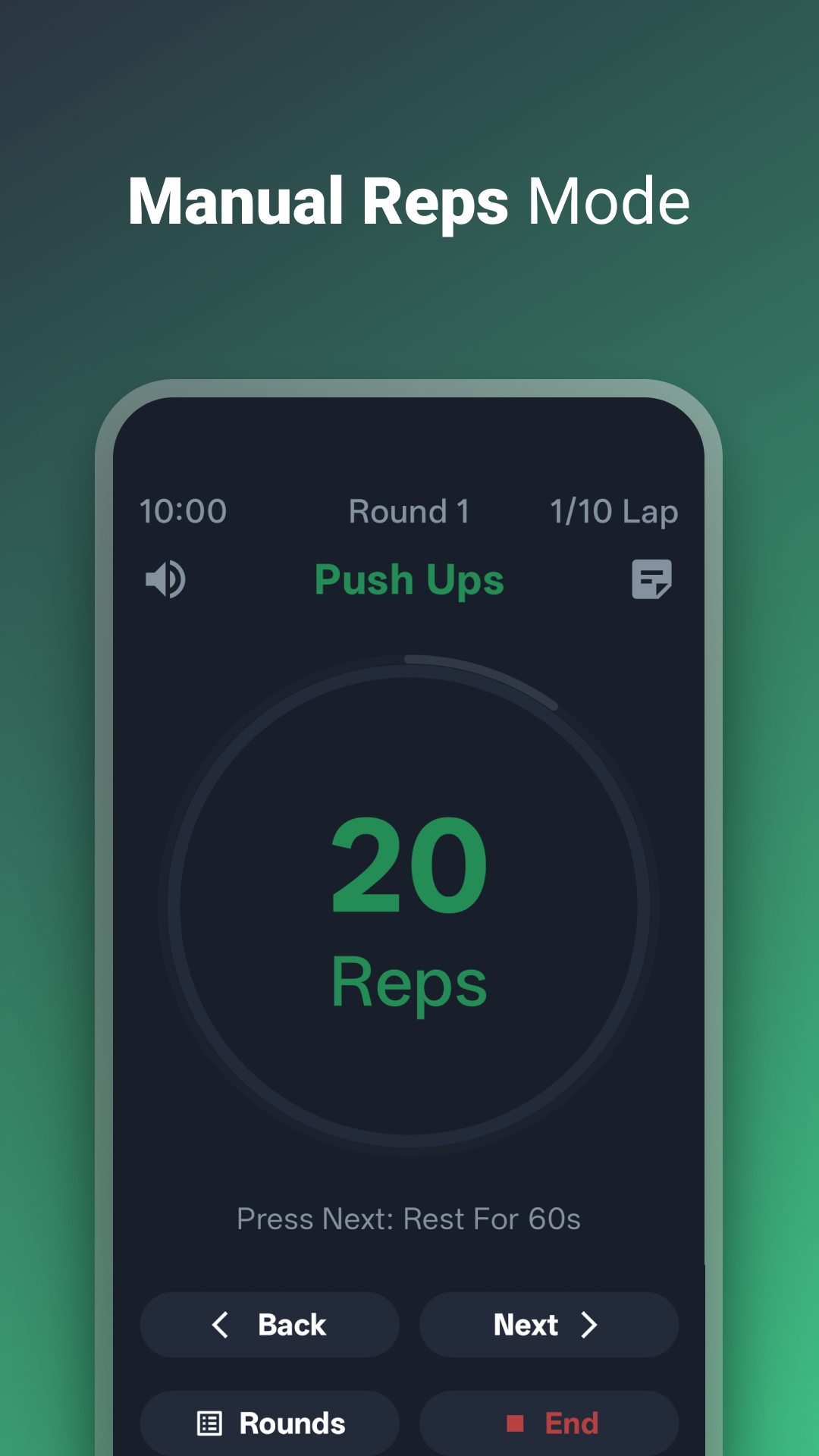
Yes. In Reps mode, the work phase waits for you. Tap Next after your last rep to start the break before the next set.
Start at 3 minutes for hard strength sets, 1–3 minutes for muscle growth, or 30–60 seconds for endurance. Adjust when reps or form drop.
Yes. PrimeTimer is free to download on Google Play, ad-free, and has no subscription. The free version includes every preset and the core timer features. An optional one-time Pro purchase unlocks unlimited saved routines and rounds, round repeats up to 100×, unlimited custom sounds and voice callouts, and jumping between rounds.
Use it for boxing rounds, MMA, HIIT, Tabata, calisthenics, circuits, strength training and gym rest periods, mobility, and any custom routine. You can save a separate routine for each sport you train.
Download PrimeTimer for Android — no subscription, ad-free — and start your next round with a clear plan.
Get it on Google Play